Use your ecosystem's built-in scanner — npm audit, pip-audit, or cargo audit — in CI for fast feedback. Layer GeekWala on top for cross-ecosystem visibility and EPSS plus CISA KEV exploitation-signal prioritization. Add Dependabot if you're on GitHub and want automated fix PRs. That combination covers more ground than most paid tools at zero cost.
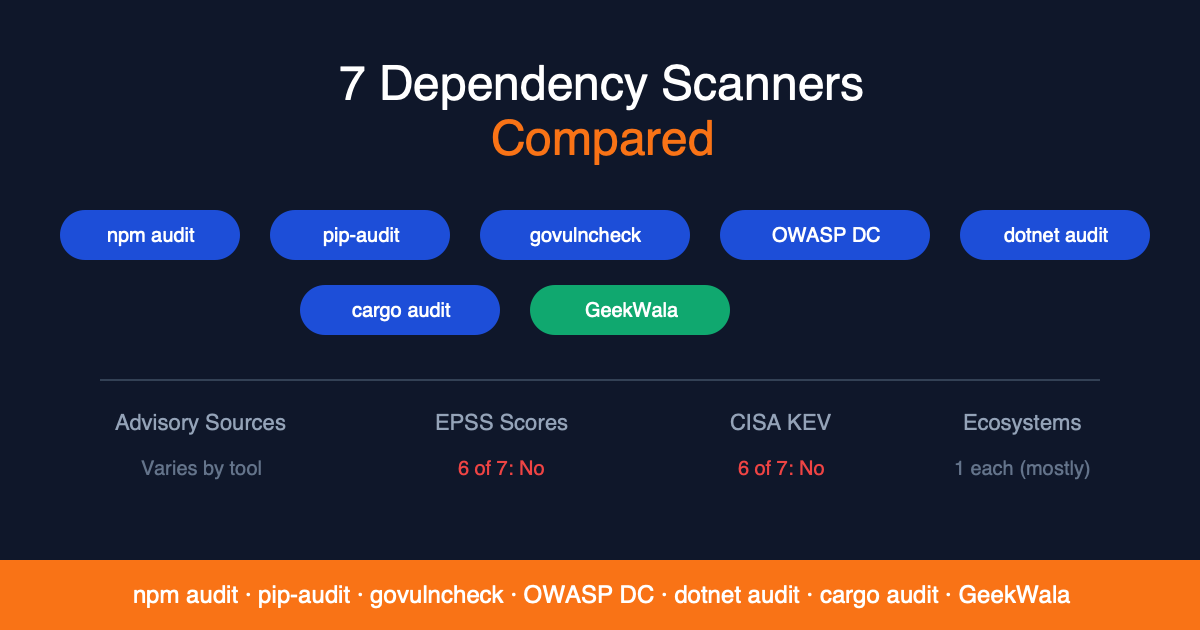
You don't need an enterprise budget to scan your dependencies for vulnerabilities. Seven free tools — from built-in package manager audits to hosted options like GeekWala, Dependabot, and Trivy — cover every major programming language. This is the broadest survey of free scanning tools in one place; if you only care about ecosystem-native CLI scanners specifically (no hosted or commercial-adjacent tools), see the narrower 5 Ecosystem-Native Dependency Scanners Compared deep-dive instead. The best free scanners in 2026 add exploitation-signal enrichment (EPSS and CISA KEV data) to help you prioritize what actually matters.
This guide covers every viable free option, explains what each tool does best, and helps you pick the right combination for your stack. We wrote it to be genuinely useful — not a thinly veiled sales pitch. Every tool here has real strengths, and most teams should use more than one.
In This Article
- What to look for in a free dependency scanner
- The 7 best free tools
- Feature comparison matrix
- Which tool should you choose
- When to consider paid tools
- FAQ
What to Look for in a Free Dependency Scanner
Not all scanners are created equal. Before picking a tool, evaluate these five dimensions:
Ecosystem coverage. Does it scan your language's package format? Some tools cover one ecosystem deeply. Others cover many ecosystems with varying depth.
Advisory data sources. Where does vulnerability data come from? NVD is the largest database but can lag behind ecosystem-specific sources. OSV aggregates from multiple sources across 50+ ecosystems. Proprietary databases (Snyk, GitHub Advisory Database) may catch vulnerabilities before NVD publication.
Prioritization signals. CVSS severity alone produces alert fatigue — at most ~6% of CVEs are ever exploited, and stricter datasets put it nearer 1–2%. EPSS (exploitation probability) and CISA KEV (confirmed active exploitation) separate theoretical risk from real threats. Most free tools don't include these signals.
Illustrative example
All flagged CVEs — severity based on CVSS alone. High and Moderate flood the report. No signal about what's actually being exploited.
32 CVEs removed — EPSS below 10% probability of exploitation. These are real vulnerabilities, but threat actors aren't using them.
CVE-A: On CISA KEV — confirmed active exploitation. Patch in 24h.
CVE-B: EPSS 0.87, public PoC published 3 days ago. Patch this week.
Ease of use. CLI tools are great for CI pipelines but require installation. Web-based scanners let you paste a lock file and get results immediately. The best workflow usually combines both.
Free tier limits. "Free" means different things. Some tools are fully open source with no limits. Others have free tiers with scan counts, project caps, or feature gates. Know what you're getting before you depend on it.
The 7 Best Free Dependency Scanning Tools
1. GeekWala — Best for Multi-Ecosystem Scanning with Exploitation Signals
GeekWala is a dependency vulnerability scanner that enriches every finding with EPSS exploitation probability and CISA KEV active exploitation status. It covers 8 ecosystems from a single dashboard and offers anonymous scanning without account creation.
What you get for free:
- 5 projects, 200 packages, 50 scans/month (free account)
- Anonymous scanning, no signup: up to 10 packages per scan (larger files: only the first 10 are scanned), 3 successful scans per day per IP, result link kept 30 days
- Full EPSS + CISA KEV enrichment on every scan — no paywall on data quality
- 8 ecosystems: npm, PyPI, Maven, NuGet, Go, crates.io, RubyGems, Packagist
- Web dashboard with every finding ranked KEV first, then EPSS above 10%, then severity (filter by status and severity)
- REST API for CI/CD integration
For PHP projects specifically, see PHP and Packagist Dependency Security — it covers what composer audit misses and how GeekWala fills the gaps.
What requires Pro:
See pricing page for current pricing.
- Unlimited projects and packages
- Scheduled daily/weekly scans
- 1-year scan history
- Webhook notifications
Best for: Developers managing dependencies across multiple languages who need exploitation-aware prioritization. The anonymous scanning is particularly useful for quick evaluations — paste a package-lock.json and see results in 30 seconds without creating an account (anonymous scans cover the first 10 packages).
Limitation: No automated fix PRs, no offline mode. GeekWala tells you what to fix and why — it doesn't patch for you.
Advisory sources: OSV + EPSS + CISA KEV
2. npm audit — Best for Node.js Quick Checks
npm's built-in scanner runs automatically on every npm install and checks your package-lock.json against the GitHub Advisory Database (backed by NVD). Zero setup, zero cost.
What you get:
- Runs on every install — no extra step needed
npm audit fixpatches vulnerabilities within semver ranges automaticallynpm audit --audit-level=highgates CI builds on severity thresholds- GitHub Advisory Database — well-maintained with fast advisory publication
Best for: Node.js projects where npm install is already in the workflow. It's the fastest way to check npm dependencies for known vulnerabilities.
Limitation: npm only. Severity labels (low, moderate, high, critical) without exploitation signals — every "high" looks the same regardless of whether anyone is actually exploiting it. npm audit fix --force can introduce breaking changes.
Deep dive: npm audit vs GeekWala: Why CVSS Scores Alone Are Misleading
3. pip-audit — Best for Python Projects
PyPA-maintained scanner for Python dependencies, created by Trail of Bits with Google support. Checks requirements.txt, virtual environments, and pyproject.toml output against the PyPI advisory service (the default) or OSV.
What you get:
- Free and open source
pip-audit --fixauto-resolves vulnerabilities where safe upgrades exist- PyPI advisory data by default, or OSV, which aggregates from multiple advisory databases
- Supports
requirements.txt,pyproject.toml(via pip-compile), and virtualenv scanning
Best for: Python developers who want a quick, reliable check integrated into their existing pip workflow.
Limitation: PyPI only. The default output is Name / Version / ID / Fix Versions, with no severity column, EPSS or KEV. Doesn't natively parse Pipfile.lock or poetry.lock without conversion. Its limit is coverage, not freshness: PyPI advisories typically appear the same day as the NVD entry (median 0 days, n=738), but about 5.6% have no CVE ID, so CVE-keyed tools never see them.
Deep dive: Python Dependency Security: Scanning PyPI Packages for Vulnerabilities
Want a commercial Python-focused alternative instead? Safety CLI is a paid option (free tier available) with its own curated vulnerability database and install-time firewall blocking — see the full feature and pricing comparison against GeekWala.
4. cargo audit — Best for Rust Projects
The Rust ecosystem's vulnerability scanner, powered by the RustSec Advisory Database. Checks Cargo.lock against curated advisories with an exceptionally low false positive rate.
What you get:
- Free and open source (RustSec community)
- Curated advisory database with minimal false positives
- Unmaintained crate warnings (unique among scanners)
cargo-denycompanion adds license compliance and duplicate detection- Fast execution — sub-second scans on most projects
Best for: Rust developers. RustSec's curation quality means you can trust that every finding is real, not a CPE matching guess.
Limitation: crates.io only. No EPSS or KEV. Smaller advisory database than NVD-backed tools — conservative curation means some NVD entries aren't covered. Limited coverage for C binding vulnerabilities in -sys crates.
Deep dive: Rust Vulnerability Scanning: What cargo audit Misses
5. GitHub Dependabot — Best for Automated Fix PRs
Dependabot is built into every GitHub repository. It monitors your dependencies, opens PRs for security updates, and keeps non-security dependencies current on a configurable schedule.
What you get:
- Free for all GitHub repos (public and private)
- Automated PRs with version bumps — runs CI and lets you merge
- 15+ ecosystems including Docker, Terraform, and GitHub Actions
- Security alerts in the GitHub Security tab
- Version update scheduling (daily or weekly, beyond just security fixes)
- CODEOWNERS integration for auto-assigning security PR reviewers
Best for: Teams fully on GitHub who want automated patching. Dependabot removes the friction between "vulnerability detected" and "fix merged" — for teams that can review PRs fast enough.
Limitation: GitHub-only. Cross-repo views live in GitHub's organization-level security overview and depend on your plan. Alerts show EPSS, but there's no CISA KEV filter or sort. Alert fatigue at scale: 50+ dependencies means dozens of PRs competing for review time, with no way to rank them by confirmed exploitation (CISA KEV).
Deep dive: GeekWala vs Dependabot comparison
6. Trivy — Best for Container + Dependency Scanning
Trivy is Aqua Security's open-source scanner covering containers, Kubernetes, IaC (Terraform, CloudFormation), and application dependencies. It's the Swiss Army knife of security scanning.
What you get:
- Free and open source (Apache 2.0)
- Container image scanning (OS packages + application dependencies)
- IaC scanning (Terraform, CloudFormation, Dockerfile)
- Kubernetes manifest and Helm chart scanning
- SBOM generation (CycloneDX, SPDX)
- Filesystem and git repository scanning
- Offline mode with cached vulnerability database
Best for: DevOps teams that need one CLI tool for infrastructure and dependency scanning. If you're already managing Docker images and Kubernetes, Trivy covers dependency scanning as part of a broader security workflow.
Limitation: CLI-only (no web dashboard without Trivy Premium). No built-in EPSS or KEV enrichment as of our last check, so severity is the main signal. Noisy for application-only scanning: defaults scan containers, IaC, and dependencies together. No scheduled monitoring or alerts without building your own pipeline.
Deep dive: GeekWala vs Trivy: Application Dependencies vs Container Scanning
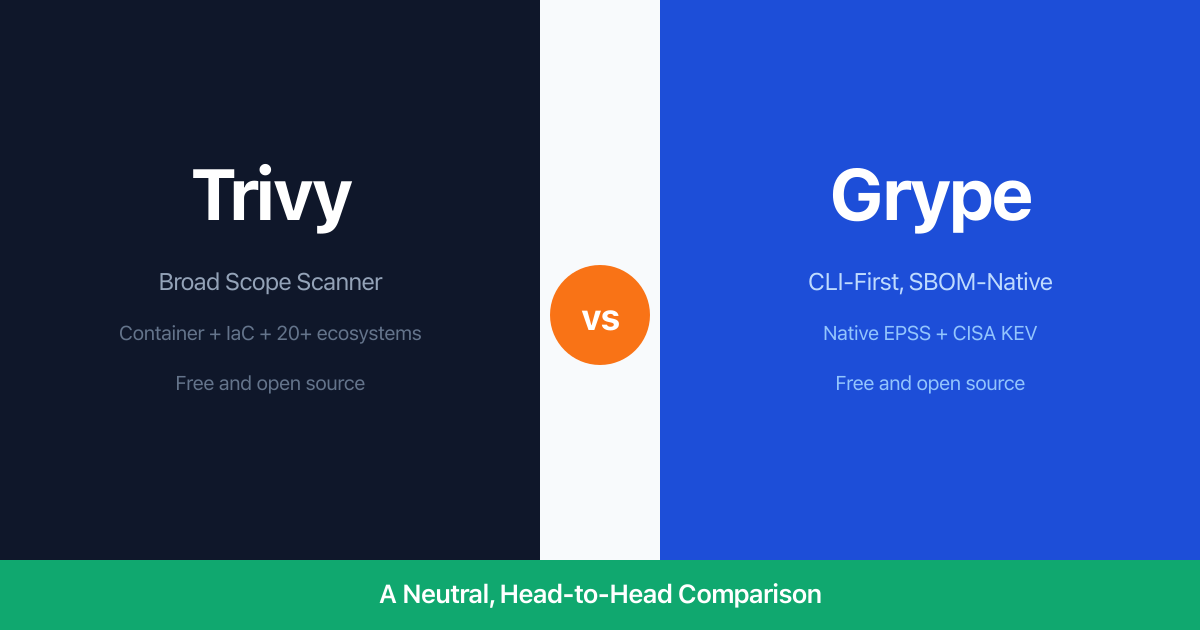
Honorable mention: Grype (Anchore) is another strong free CLI scanner that pairs with Syft for SBOM-based workflows. Unlike Trivy, Grype now includes native EPSS and CISA KEV enrichment — making it one of the few free tools with exploitation signals. It's CLI-only with no web dashboard, but excellent for CI/CD gating. See GeekWala vs Grype for a detailed comparison, or the Grype feature comparison for pricing and feature tables.
7. OWASP Dependency-Check — Best for Java/Maven Shops
The established open-source scanner with deep Maven and Gradle integration. Queries NVD to detect known vulnerabilities in project dependencies.
What you get:
- Free and open source (OWASP project)
- Maven plugin, Gradle plugin, Ant task, CLI — fits into existing Java build systems
- Multi-ecosystem support beyond Java (npm, .NET, Python, Ruby analyzers)
- Detailed HTML and JSON reports for compliance documentation
- Jenkins integration for CI/CD pipelines
- Large community and extensive documentation
Best for: Java/Maven enterprise projects with existing build pipelines and compliance reporting requirements.
Limitation: NVD-only data source with CPE matching heuristics — high false positive rate, especially for shaded JARs and BOM imports. Flags CISA KEV entries but has no EPSS. Requires NVD API key for reasonable update speeds (initial sync without key takes hours). Non-Java ecosystems have significantly higher false positive rates. Report-heavy but not dashboard-oriented.
Deep dive: Java Dependency Security: What OWASP Dependency-Check Misses · GeekWala vs OWASP Dependency-Check comparison
Only care about the ecosystem-native CLI scanners? This roundup deliberately covers the broader landscape — hosted tools (GeekWala, Dependabot), an infrastructure scanner (Trivy), and a multi-ecosystem enterprise tool (OWASP Dependency-Check) alongside the CLI-native ones. If you want a narrower, deeper comparison of just the package-manager-native CLI scanners (including govulncheck and dotnet audit, which aren't profiled above), see 5 Ecosystem-Native Dependency Scanners Compared.
Feature Comparison Matrix
| Feature | GeekWala | npm audit | pip-audit | cargo audit | Dependabot | Trivy | OWASP DC |
|---|---|---|---|---|---|---|---|
| EPSS scores | Yes | No | No | No | Yes (per alert) | No | No |
| CISA KEV flags | Yes | No | No | No | No (no KEV filter/sort) | No | Yes |
| Ecosystems | 8 | npm | PyPI | crates.io | 15+ | Most | Multi (Java focus) |
| Web dashboard | Yes | No | No | No | GitHub UI | No | HTML reports |
| Anonymous scanning | Yes | N/A (CLI) | N/A (CLI) | N/A (CLI) | No | N/A (CLI) | N/A (CLI) |
| Auto-fix | No | npm audit fix | --fix | No | PR-based | No | No |
| CI/CD integration | API + exit codes | Exit codes | Exit codes | Exit codes | GitHub-native | GitHub Actions, GitLab CI | Maven/Gradle/Jenkins |
| Offline mode | No | No | Yes | Yes | No | Yes | Yes |
| Container scanning | No | No | No | No | Docker updates | Yes | No |
| Advisory sources | OSV + EPSS + CISA KEV | npm + GHSA + NVD | PyPI (default) or OSV | RustSec | GHSA + NVD | NVD + vendor DBs | NVD |
| Scan limits (free) | 50/mo (account); 3/day per IP, 10 packages per scan (anon) | Unlimited | Unlimited | Unlimited | Unlimited (GitHub repos) | Unlimited | Unlimited |
| Pricing | Free + Pro | Free | Free | Free | Free | Free | Free |
See pricing page for current GeekWala pricing.
Ecosystem Coverage Grid
Which tools scan which ecosystems:
| Ecosystem | GeekWala | npm audit | pip-audit | cargo audit | Dependabot | Trivy | OWASP DC |
|---|---|---|---|---|---|---|---|
| npm | Yes | Yes | — | — | Yes | Yes | Yes |
| PyPI | Yes | — | Yes | — | Yes | Yes | Yes |
| Maven | Yes | — | — | — | Yes | Yes | Yes |
| NuGet | Yes | — | — | — | Yes | Yes | Yes |
| Go | Yes | — | — | — | Yes | Yes | — |
| crates.io | Yes | — | — | Yes | Yes | Yes | — |
| RubyGems | Yes | — | — | — | Yes | Yes | Yes |
| Packagist | Yes | — | — | — | Yes | Yes | — |
| Docker | — | — | — | — | Yes | Yes | — |
| Terraform | — | — | — | — | Yes | Yes | — |
Which Free Tool Should You Choose?
Decision tree by use case
"I use multiple languages and want one tool for everything." Use GeekWala for cross-ecosystem scanning with exploitation signals. Add ecosystem-native scanners (npm audit, pip-audit) in CI for fast, zero-config checks.
"I only use Node.js." Start with npm audit in your development workflow. Add Dependabot for automated fix PRs if you're on GitHub. Add GeekWala when alert fatigue sets in and you need to know which of those 40 "high" findings actually matter.
"I only use Python." Start with pip-audit. Same upgrade path: add GeekWala for prioritization when your dependency count grows.
"I only use Rust." cargo audit + cargo-deny is the gold standard for Rust. RustSec's curation quality means you'll rarely need more. Add GeekWala if you want EPSS/KEV context on specific CVEs.
"I scan Docker images and Kubernetes." Use Trivy — it's the best free tool for infrastructure scanning. Add GeekWala for application-level dependency prioritization.
"I want automated PRs for security updates." Dependabot is the clear choice for GitHub-hosted projects. Use GeekWala to prioritize which Dependabot PRs to merge first.
"I need Java/Maven compliance reports." OWASP Dependency-Check integrates natively with Maven/Gradle and generates detailed HTML reports. Accept the false positive trade-off or add a second scanner for validation.
"I want the most data per CVE." GeekWala shows EPSS exploitation probability and CISA KEV active exploitation status alongside CVSS severity in a web dashboard, with no setup. (Grype, a CLI scanner, also includes both.) The 3-signal triage method (CVSS + EPSS + KEV) gives you more context per finding than severity alone.
The recommended free stack
For most teams, this combination provides comprehensive coverage:
- Ecosystem-native scanner (npm audit, pip-audit, cargo audit) → fast CI feedback
- GeekWala → cross-ecosystem dashboard with exploitation signals
- Dependabot (if on GitHub) → automated fix PRs
This gives you detection at build time, prioritization at triage time, and automation at fix time — without spending a dollar.
When to Consider Paid Tools
Free tools cover a lot of ground. Consider upgrading when:
- Scan volume exceeds free tiers. GeekWala's free account tier (50 scans/month) covers small teams. Growing teams with daily scans across multiple projects may need Pro for unlimited scanning, scheduled monitoring, and webhook notifications.
- Enterprise compliance requires specific reporting. SOC 2, ISO 27001, and similar frameworks may require audit trails, policy enforcement, and role-based access that free tools don't provide.
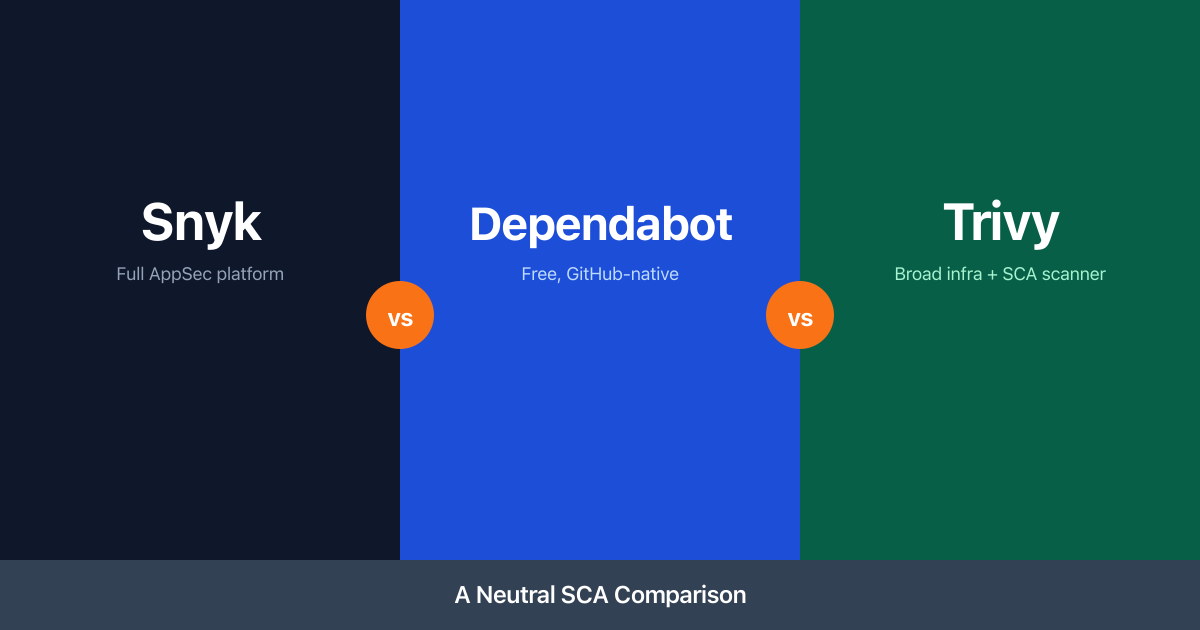
- You need SAST alongside SCA. If you want code analysis (SAST), container scanning, and dependency scanning in one platform, Snyk or GitHub Advanced Security bundles these — at per-developer pricing.
- Scheduled scans and alerts matter. Vulnerability landscape changes daily. EPSS scores spike as new exploits emerge. GeekWala Pro scheduled scans re-check your projects between deploys and rank findings by the current EPSS. Free tools only scan when you invoke them.
GeekWala Pro (see pricing — flat rate, not per developer) adds unlimited projects, unlimited packages, scheduled daily/weekly scans, 1-year scan history, and webhook notifications.
One gap all these tools share: CVE-based scanners (free or paid) detect known vulnerabilities in legitimate packages. They don't detect malicious code injected through supply chain attacks — compromised maintainer accounts, typosquatted packages, or dependency confusion attacks. For that layer, tools like Socket analyze package behavior for suspicious patterns. The strongest setup combines CVE scanning (GeekWala or any tool above) with supply chain detection.
Is GeekWala really free?
Yes. Anonymous scanning (paste a lock file, get results) needs no signup: it covers up to 10 packages per scan (larger files: only the first 10 are scanned), allows 3 successful scans per day per IP, and keeps the result link for 30 days. The free account tier adds projects, scan history, and a dashboard with up to 5 projects, 200 tracked packages, and 50 scans/month. EPSS and KEV enrichment is included at every tier — exploitation signals aren't a paid feature.
Can I use multiple free tools together?
Yes — and you should. Each tool has strengths the others lack. Run npm audit in CI for instant feedback, use Dependabot for automated PRs, and use GeekWala for cross-ecosystem prioritization. These tools don't conflict. They complement each other.
Do free scanners miss vulnerabilities?
Data source quality matters more than price. GeekWala uses OSV (the same database Google uses for their vulnerability scanning, which includes GHSA), plus EPSS and CISA KEV. npm audit uses the GitHub Advisory Database. pip-audit uses the PyPI advisory service by default, or OSV. These are the same data sources that paid tools query. The gap between free and paid isn't in detection — it's in prioritization, automation, and enterprise features like SSO and audit logging. For a closer look at that gap against Google's own free, multi-ecosystem CLI, see OSV-Scanner vs GeekWala or the OSV-Scanner feature comparison.
What's the difference between SCA and a vulnerability scanner?
Software Composition Analysis (SCA) is the industry term for tools that identify open-source components in your codebase and check them for known vulnerabilities. All 7 tools in this guide are SCA tools. Some (Trivy, OWASP Dependency-Check) also do additional scanning beyond dependency analysis.
How often should I scan?
Every CI build should include your ecosystem-native scanner (npm audit, pip-audit, etc.) — it's fast and free. Run a full cross-ecosystem scan weekly at minimum. EPSS scores change daily as new exploit data emerges. A finding at EPSS 0.1 last week could spike to 0.8 this week. Scheduled scans (GeekWala Pro or a cron job with Trivy) re-check your dependencies between deploys, and a GeekWala re-scan ranks findings by the current EPSS.
For detailed scanning strategies, see Automated Dependency Scanning: How to Stop Manually Checking for Vulnerabilities.
Every ecosystem has a free scanner. GeekWala adds EPSS and CISA KEV to every finding, across 8 ecosystems.
Scan your dependencies across 8 ecosystems with EPSS + CISA KEV prioritization → — upload a lock file, see which vulnerabilities are being actively exploited, and prioritize real threats. No account needed for up to 10 packages.